> For the complete documentation index, see [llms.txt](https://docs.sesori.com/llms.txt). Markdown versions of documentation pages are available by appending `.md` to page URLs; this page is available as [Markdown](https://docs.sesori.com/get-started/how-it-works.md).
# How it works
How the app, Bridge, relay, and AI coding assistant work together.
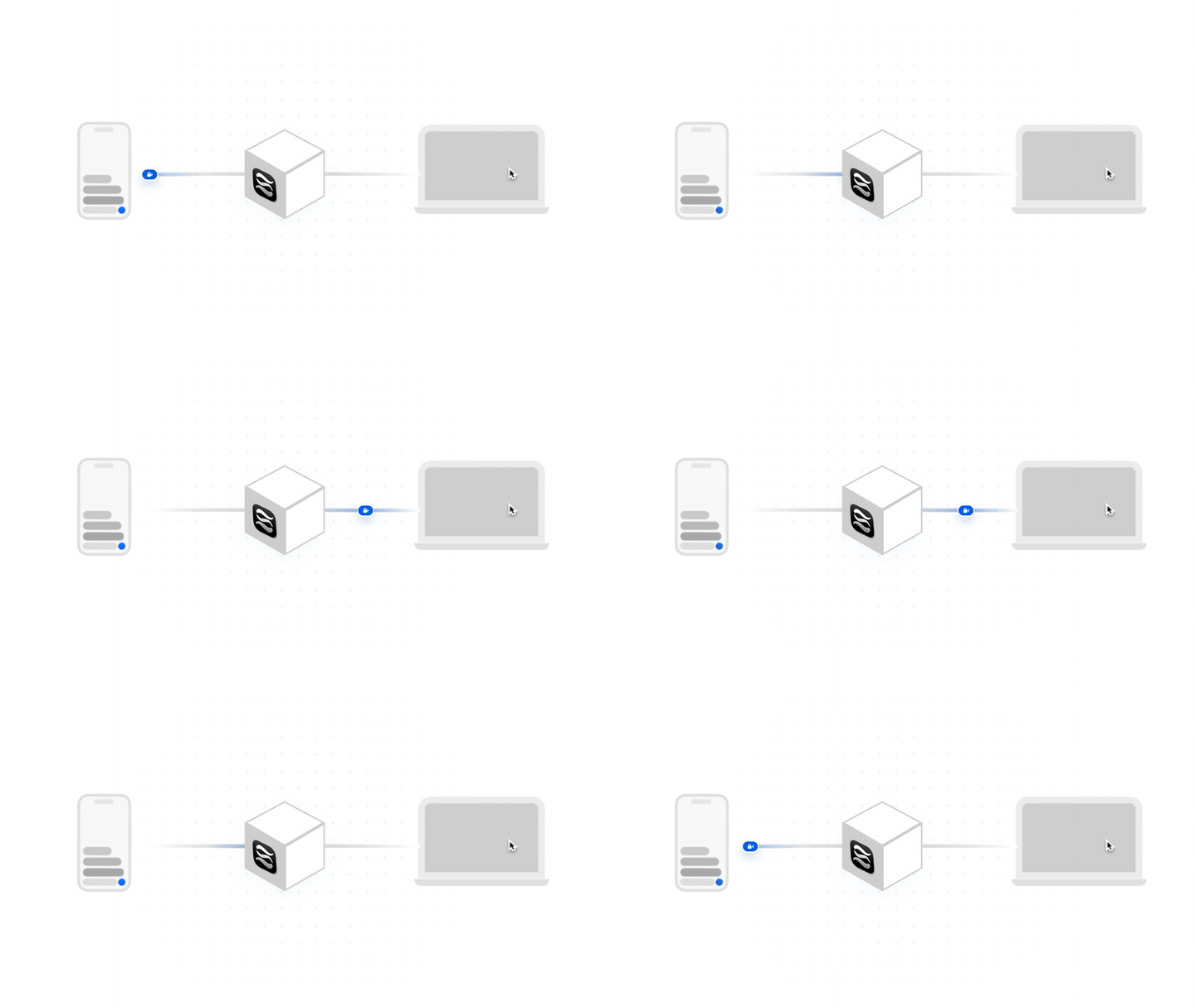
The app controls an AI coding session that continues to run on your computer.
Sesori connects your phone to an AI coding assistant on your laptop or desktop. It does not move your repository into a cloud development environment.
## The four pieces
| Piece | What it does | Where it runs |
| ----------------------- | ----------------------------------------------------------------------------- | --------------------------------------- |
| **Sesori app** | Gives you the mobile interface for projects, sessions, prompts, and approvals | iOS or Android |
| **Sesori Bridge** | Connects Sesori to local projects and supported assistants | Your Mac, Linux computer, or Windows PC |
| **AI coding assistant** | Reads files, runs tools, and produces the coding session | Your computer |
| **Sesori relay** | Authenticates and routes traffic between the app and Bridge | Sesori infrastructure |
The mobile app and Bridge sign in to the same Sesori account. The relay uses that account to match them, even when your phone and computer are on different networks.
## What remains on the Bridge computer
Your repository, local files, terminal commands, and assistant processes remain on your computer. The Bridge sends app requests to the selected assistant and streams its responses back. The assistant may send prompts, selected source context, tool output, and other data to its configured model provider.
Sesori supports OpenCode, Codex, GitHub Copilot CLI, Cursor, Claude Code, Hermes Agent, Pi, Oh My Pi, DeepSeek Harness, and Grok Build. Each assistant exposes a different set of models, agents, commands, permission requests, and session actions. Sesori shows the controls that assistant makes available.
## What uses Sesori services
Ordinary relay payloads travel over a phone-to-Bridge encrypted channel and are opaque to the relay. Sesori still processes the account and routing metadata needed to operate that connection. Features such as push previews, voice transcription, and short text processing have additional data paths.
For the complete boundary—including key delivery and third-party assistant providers—read [Security and privacy](/get-started/security-and-privacy.md).
## Next
{% content-ref url="/pages/cMC78ZFZ090MlI8YYWoM" %}
[Quickstart](/get-started/quickstart.md)
{% endcontent-ref %}
---
# Agent Instructions
This documentation is published with GitBook. GitBook is the documentation platform designed so that both humans and AI agents can read, navigate, and reason over technical content effectively. Learn more at gitbook.com.
## Querying This Documentation
If you need additional information that is not directly available in this page, you can query the documentation by asking a question.
Perform an HTTP GET request on the following URL with the `ask` and `goal` query parameters:
```
GET https://docs.sesori.com/get-started/how-it-works.md?ask=&goal=
```
`ask` is the immediate question: it should be specific, self-contained, and written in natural language.
`goal` is what the user is ultimately trying to achieve, the reason they need the answer. Sharing it helps GitBook give you a better, more relevant answer. A goal is most helpful when it describes the outcome the user wants rather than restating the question. For example, with `ask=how do I create an API token`, a goal like `automate deployments from our CI pipeline` lets GitBook tailor the answer to that use case.
The response will contain a direct answer to the question and relevant excerpts and sources from the documentation.
Use this mechanism when the answer is not explicitly present in the current page, you need clarification or additional context, or you want to retrieve related documentation sections.